What we build
Four kinds of work, one team.
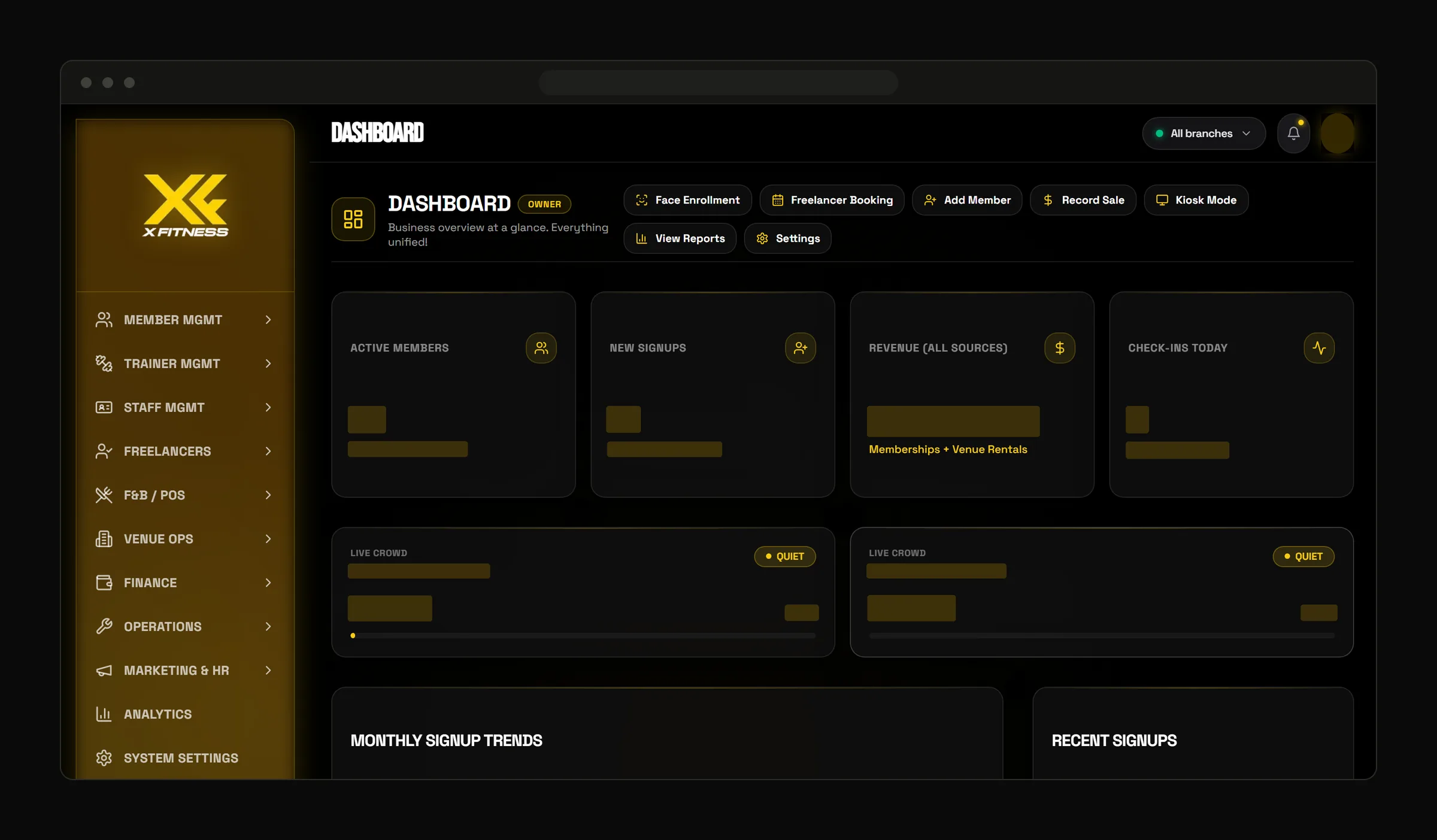
Websites, apps and platforms, hardware and access control, and AI automation. Each section below lists what we deliver and links to a project that shows it.
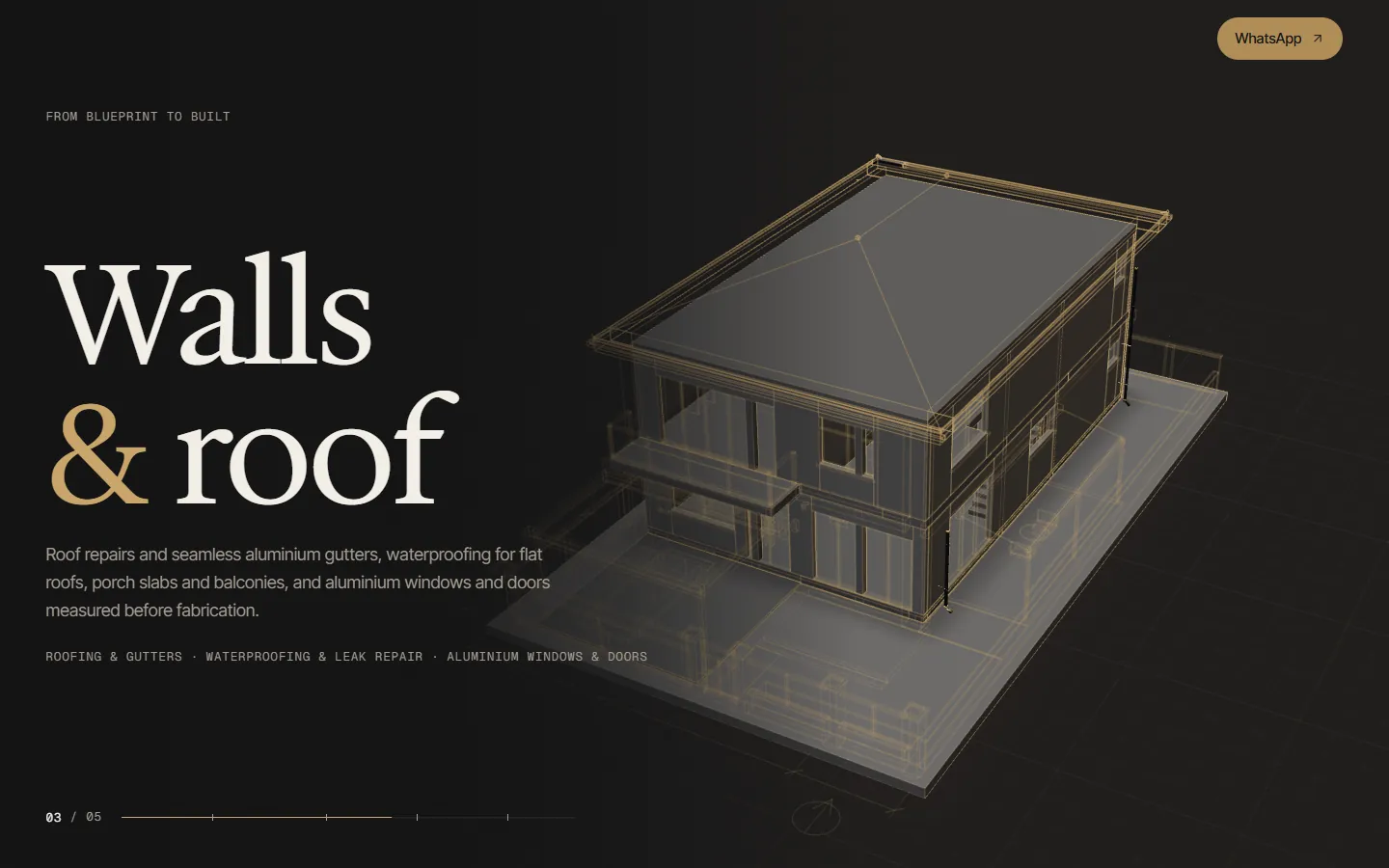
Websites
Marketing sites that explain what a business does and make it easy to get in touch.
- Service and project pages
- 3D scenes and scroll motion
- Enquiry forms and WhatsApp links
- Cost estimators and downloadable documents
- Search set-up: sitemap, metadata, structured data

Apps & platforms
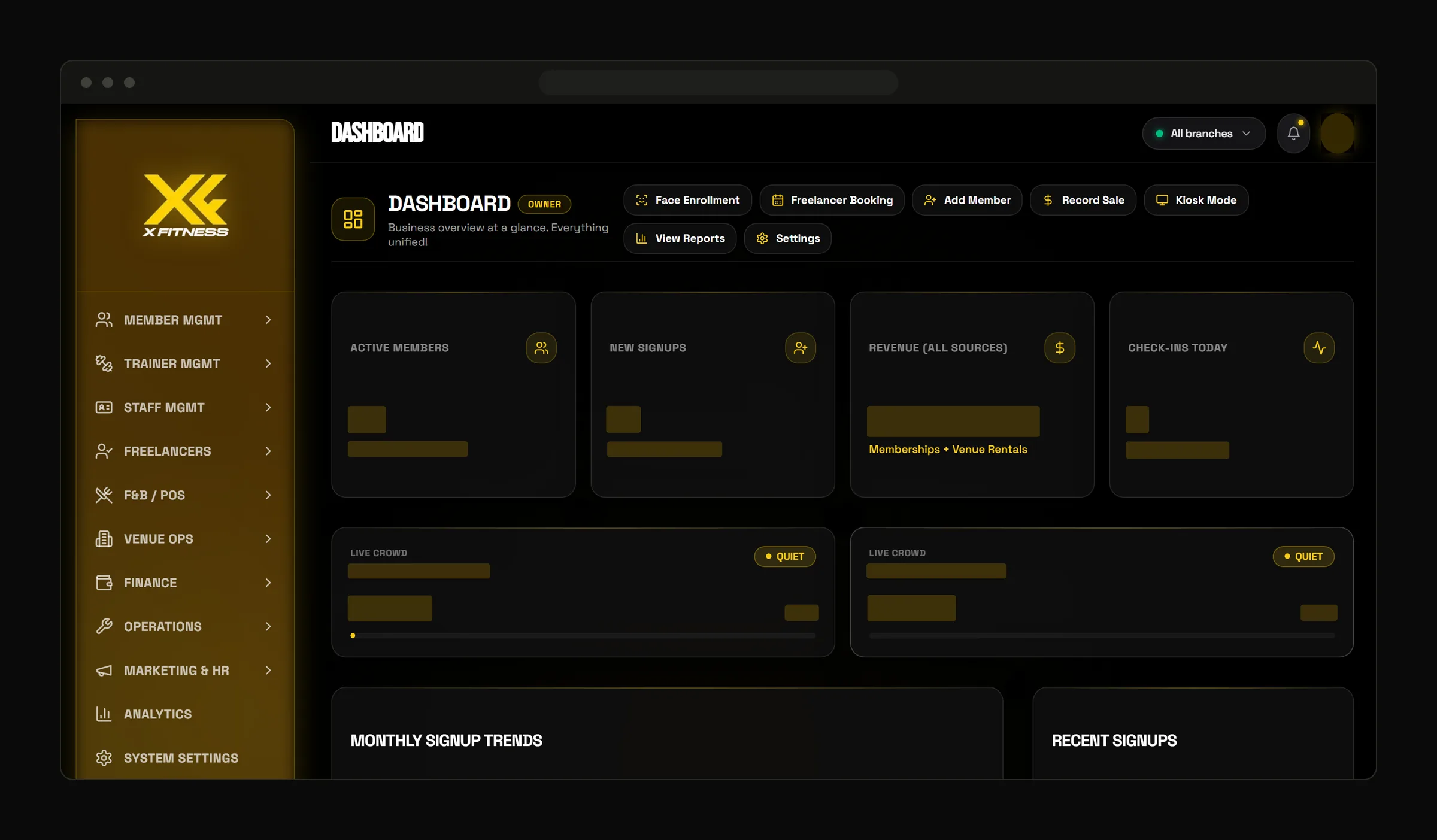
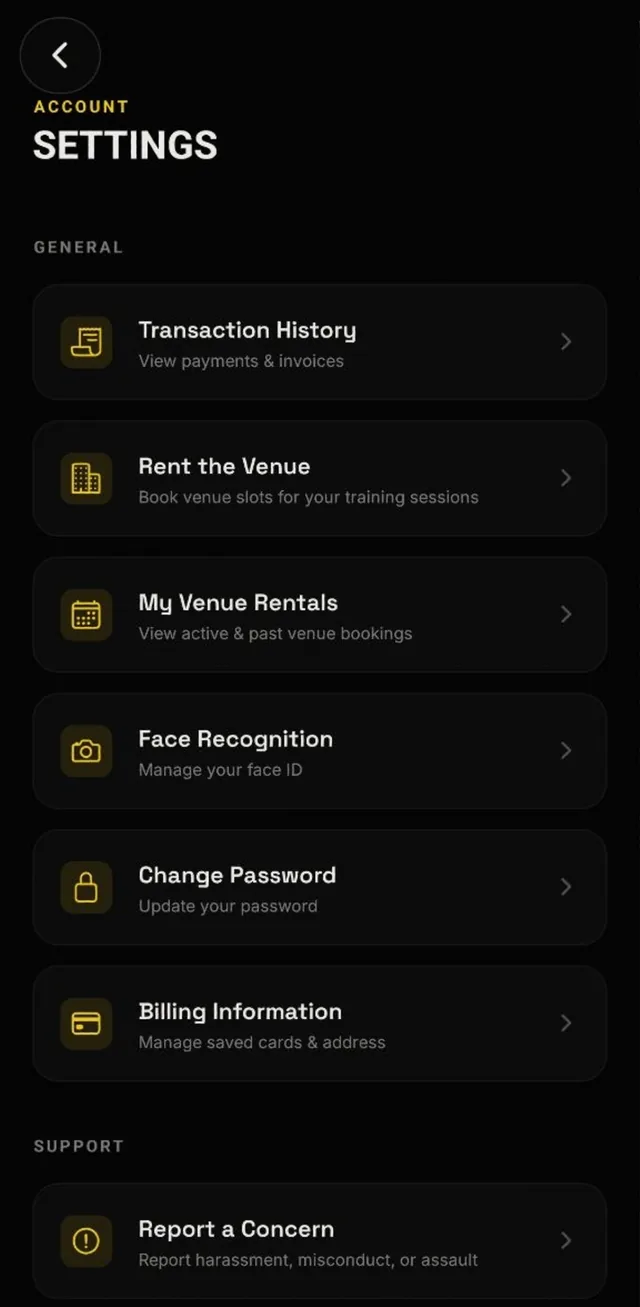
Web and mobile apps that run the daily work of a business: members, payments, bookings and reports.
- Staff dashboards with roles
- Mobile apps for iOS and Android
- Online payments and tax invoices
- Point of sale, payroll and reports
- Windows desktop apps
Hardware & access control
The access gate we set up for XFitness: MAG face readers, with access rules run by our software.
- Face-recognition gate, one reader in and one out
- Face enrolment from the member app or at the counter
- Only an active membership opens the gate
- One entry, then one exit, with a live count inside
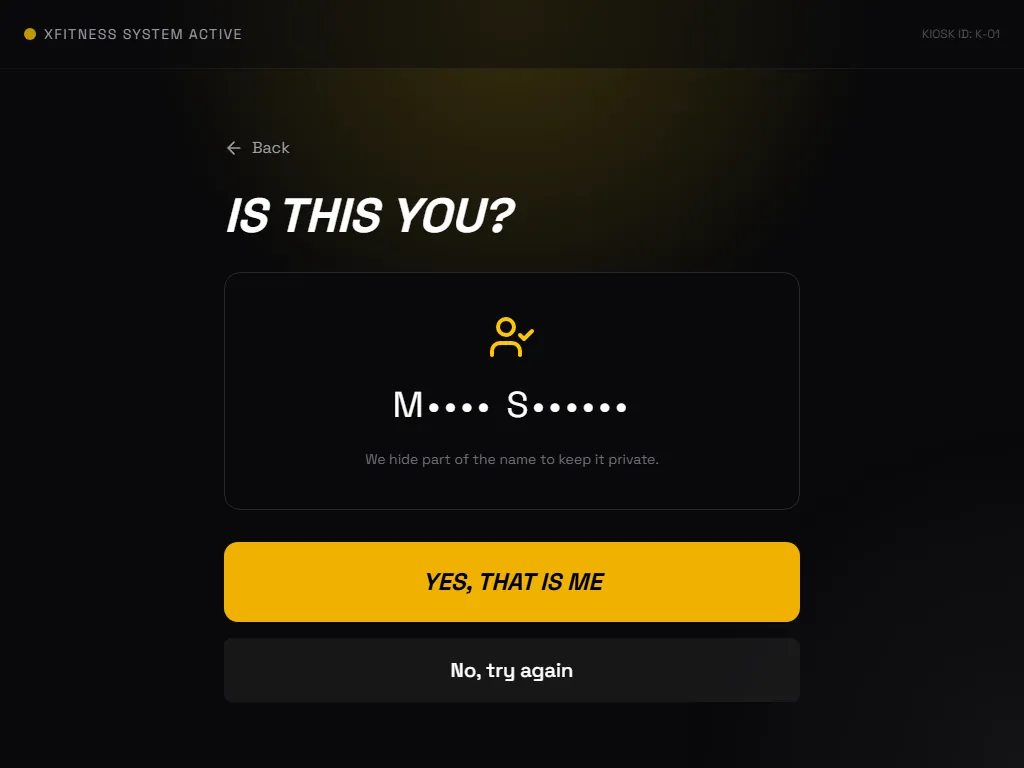
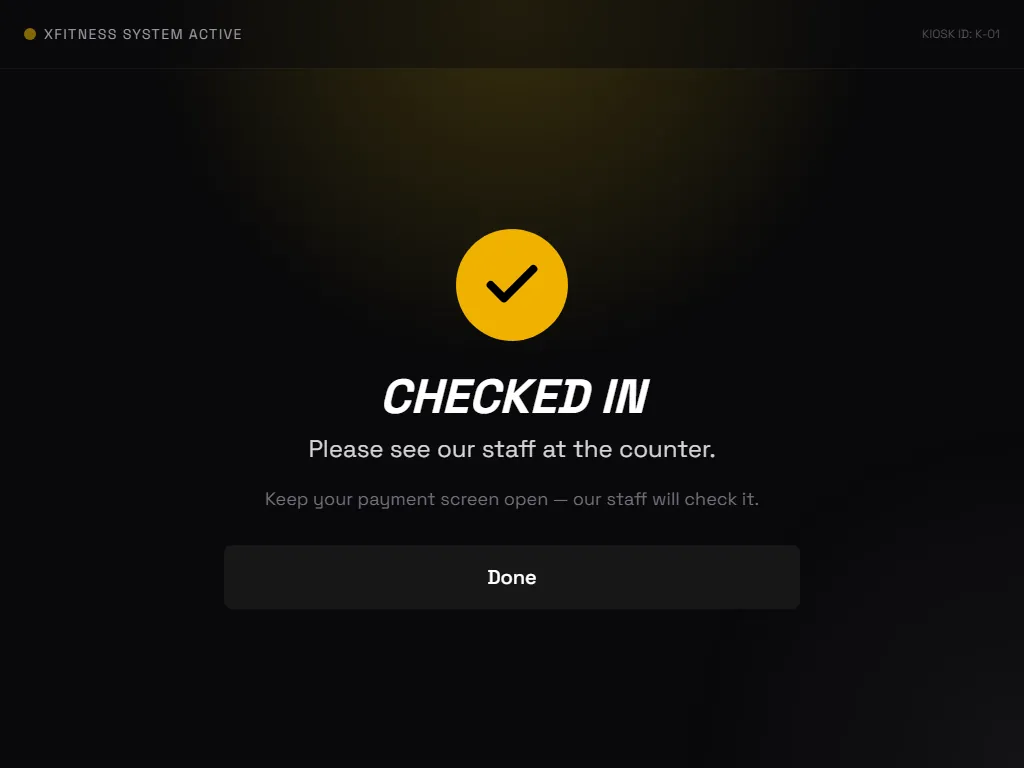
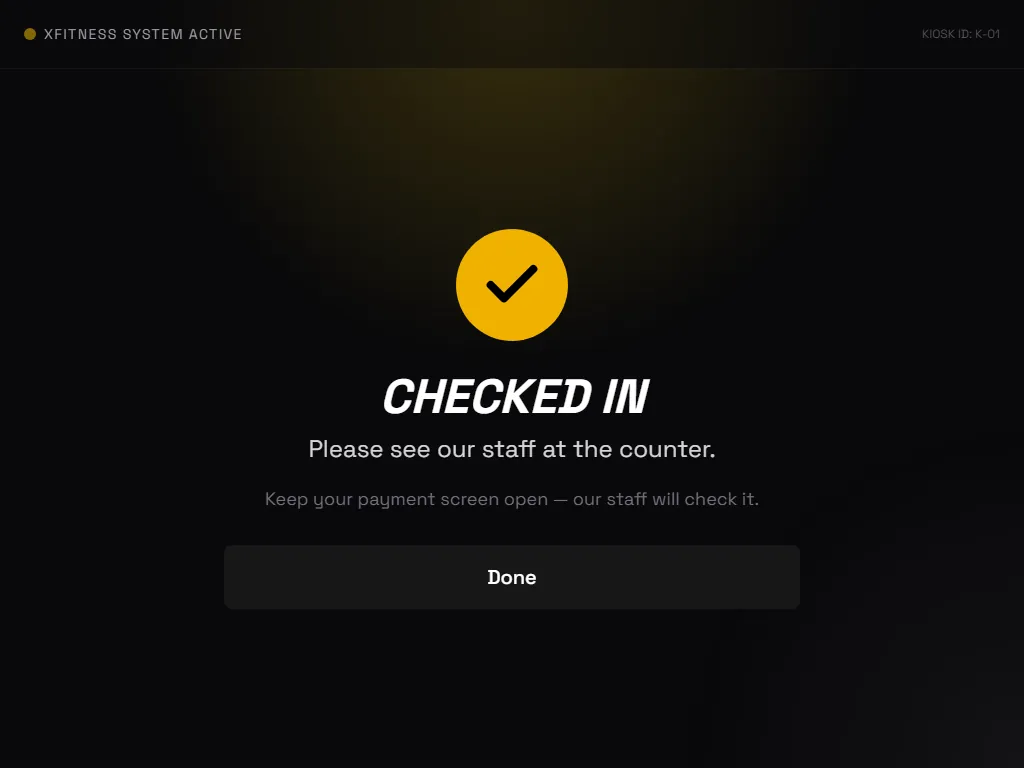
- Self-service check-in and sign-up kiosks
AI and automation
AI and scheduled jobs that do the routine work between systems, so staff do not have to.
- AI automation for routine tasks
- Integrations between cloud apps and on-site systems
- Scheduled sync jobs with health checks and alerts
- Automatic rules, like closing the gate to lapsed members
- Reports and exports
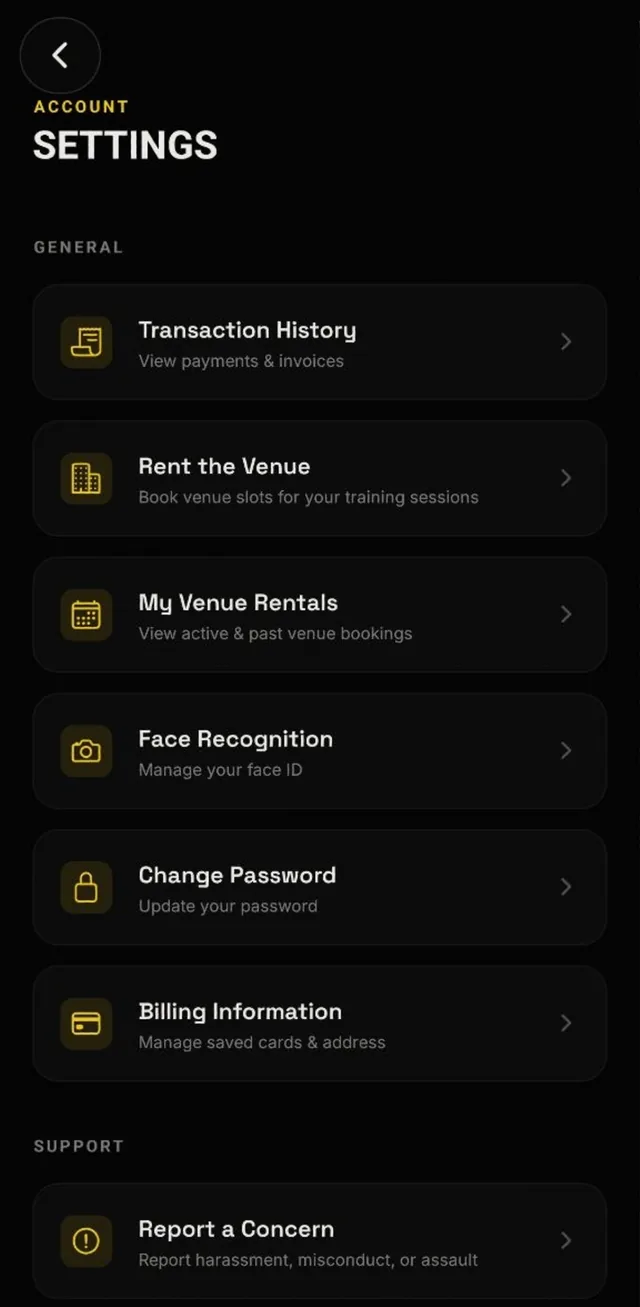
Joins and manages the account in the member app.
Checks in or signs up at the counter kiosk.
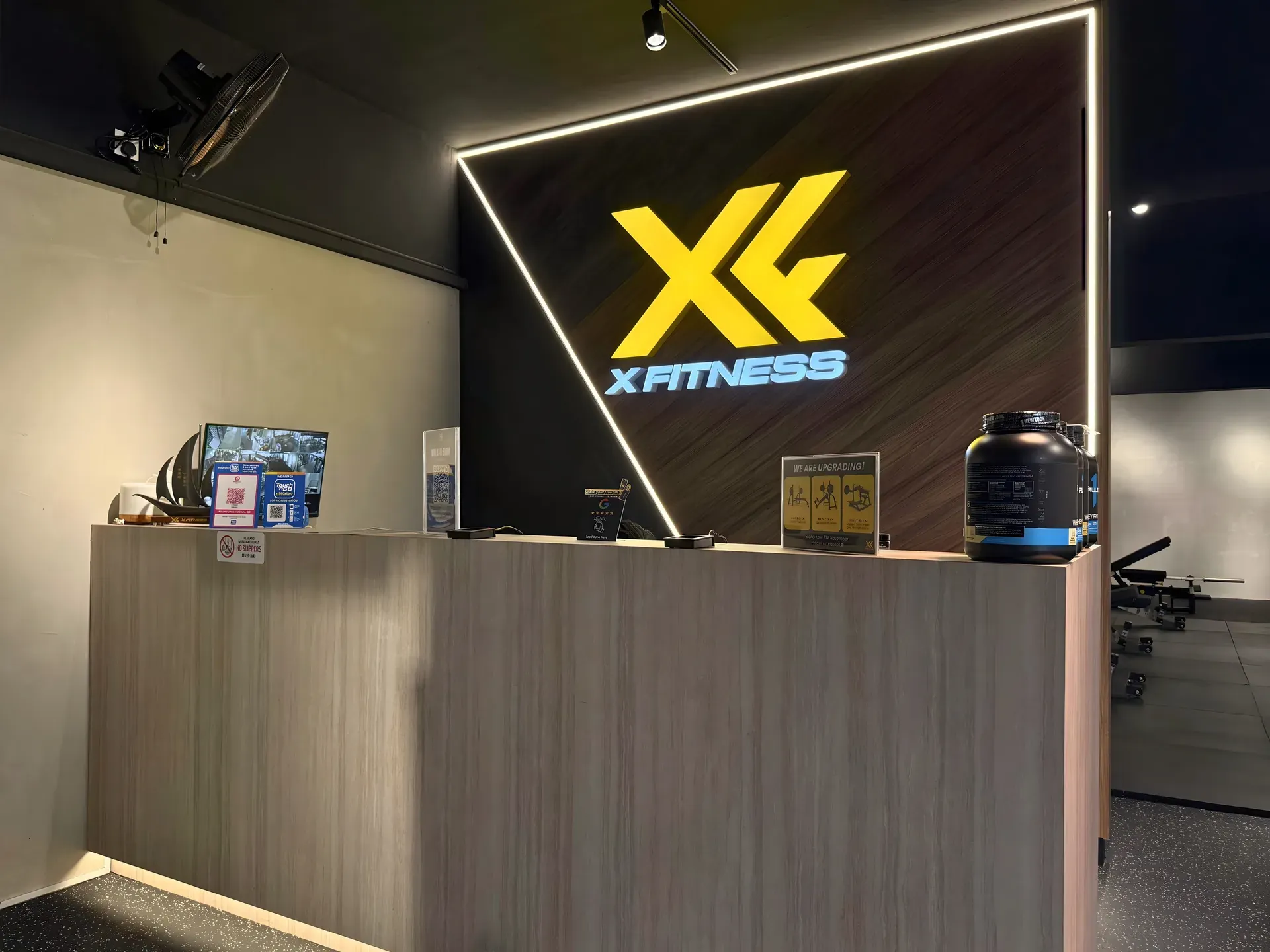
A bridge on the reception PC keeps the face readers in step with the system admin.
Only an active membership opens the gate: one entry, then one exit.
Entry
Exit
010
An email goes out if the sync stops.
[XFitness] Reader system OFFLINE, no contact for 15 minutes
The gym reader system has stopped reporting.
The doors still work: the readers match faces on the device and fire their own relay. What has stopped is sync: new enrolments, removals and expiry enforcement.
You will get one more email when it comes back.
Official partner of Poket Loyalty, Singapore
Let’s build it.
Tell us what you need. We reply by email or WhatsApp.